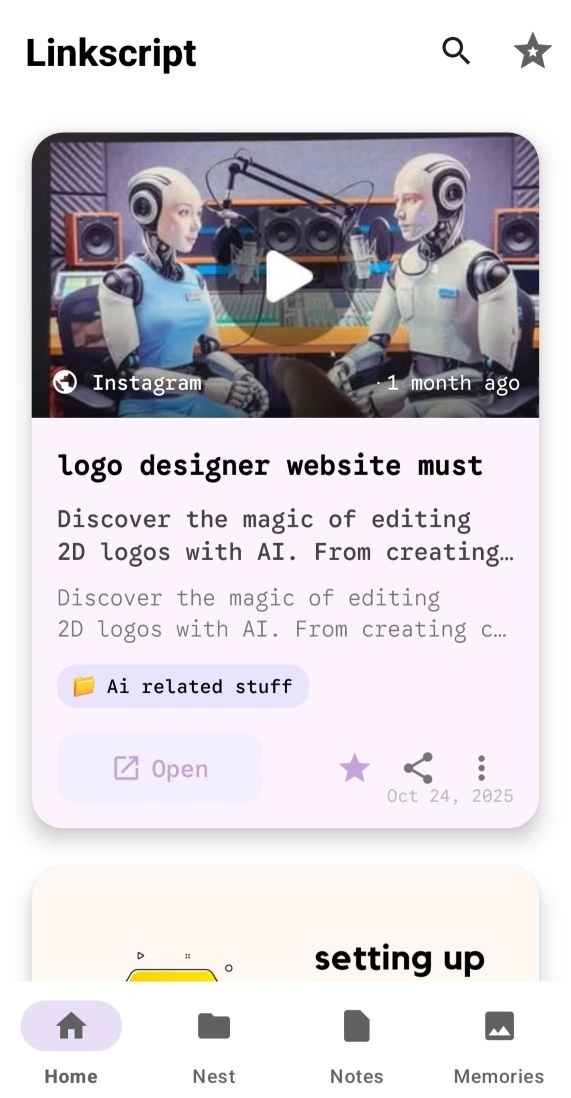
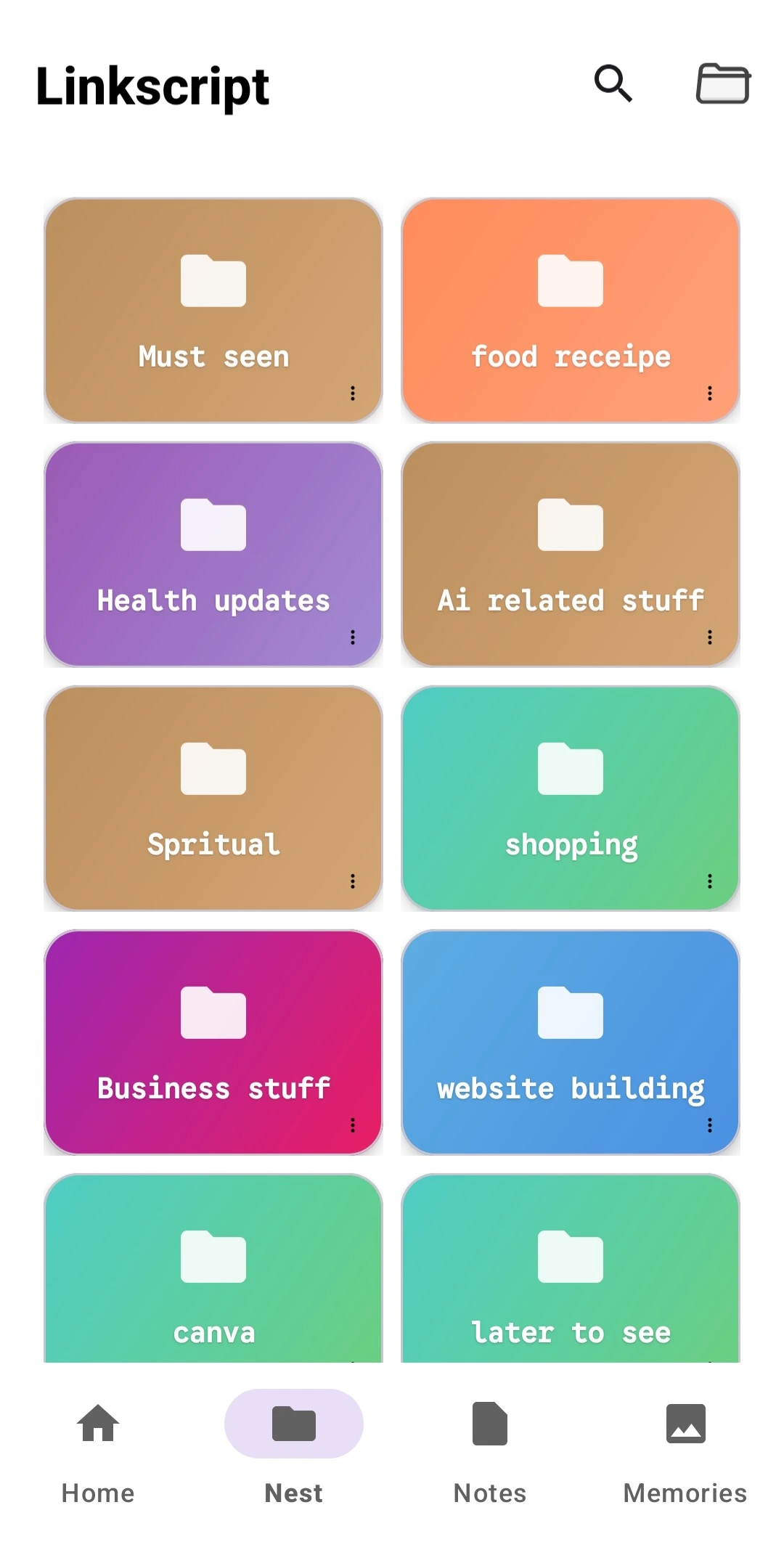
Save & organize links
Save every important URL with a personal note and tags. Group links into folders and search instantly across your collection.
- • Personal note & tags per link
- • Folder organization
- • Fast search and retrieval
- • Mark revisit later
Notes & memories
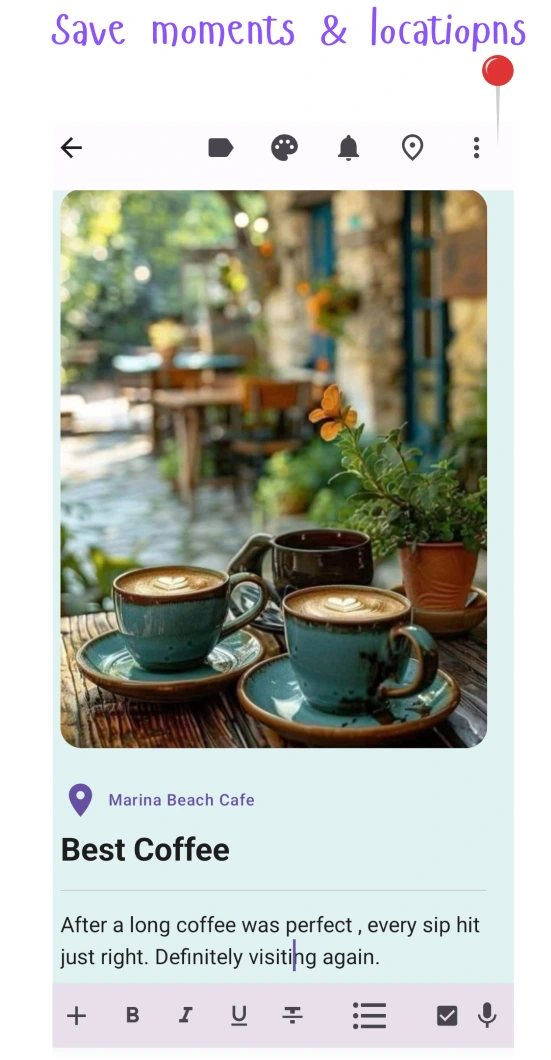
Create private notes to capture moments and ideas. Attach one image per note to preserve the memory visually.
- • One image per note
- • Voice to text, no more hassle to write
- • Edit any time
- • Your data remain local, we respect your privacy
Reminders that work
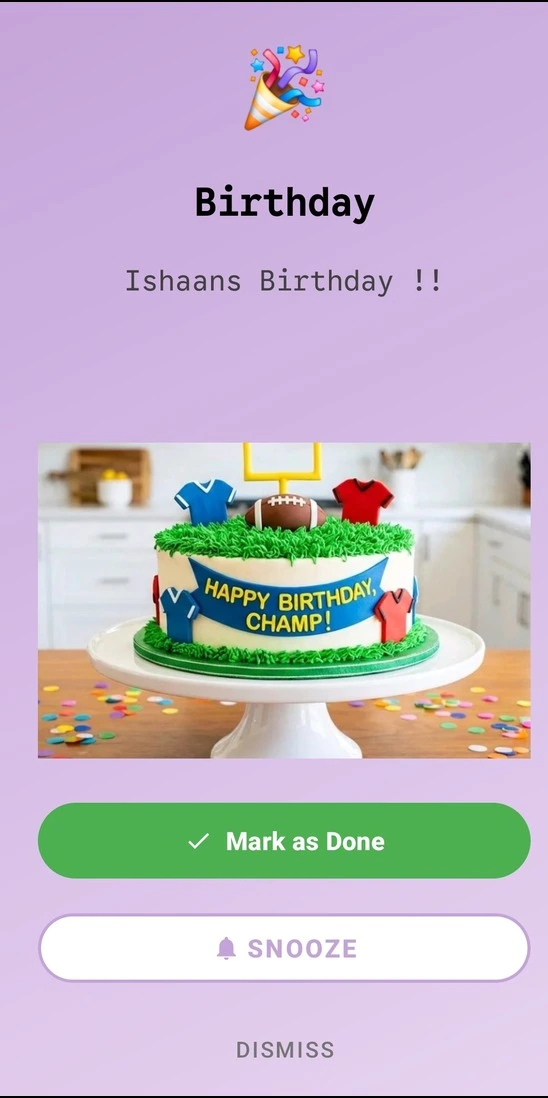
Attach reminders to any note - get notified when it matters. Great for follow-ups and ideas you don't want to forget.
- • One-tap creation
- • Full screen notification
- • First time with Image Reminder
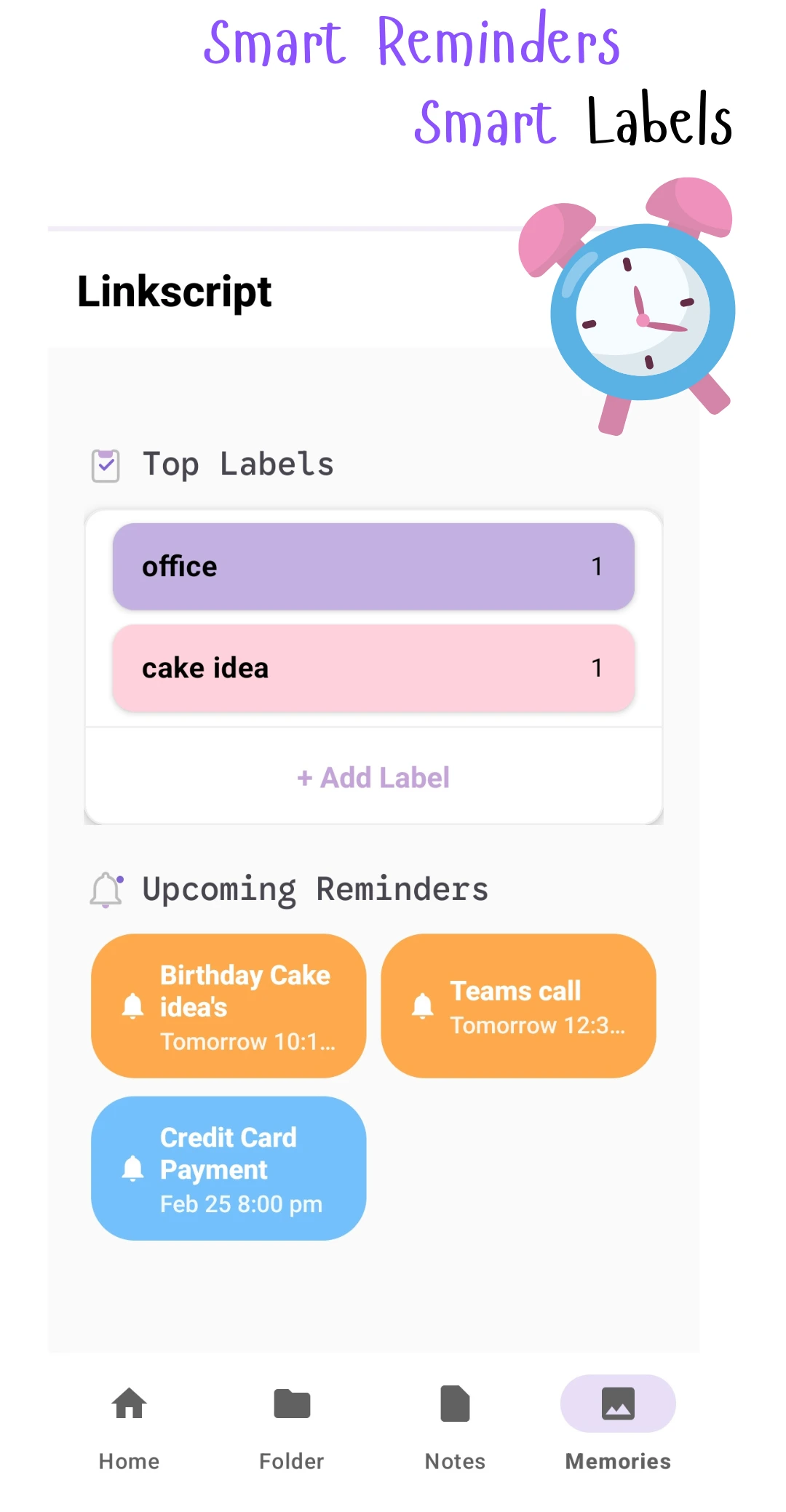
Smart Dashboard
Access your data quickly.
- • Calendar view of daily notes/images
- • Daily reminder list
- • Top labels-access note per label
- • Editable
Choose Your Plan
Start free - upgrade once, enjoy everything forever.
| Features | Basic | Pro |
|---|---|---|
| Save Links | Up to 5 | Unlimited |
| Notes & Images | Up to 5 | Unlimited |
| Folders | Up to 5 | Unlimited |
| Reminders | Limited | |
| Checklists | Limited | |
| Voice to Text | - | |
| One-Time Payment | Free | Lifetime Access |
One-time payment • No subscription • Payment at app checkout
Frequently Asked Questions
Quick answers about pricing, privacy, and how Linkscript works.
Is Linkscript free to use?
Yes. You can start with the free plan, and Pro is a one-time lifetime upgrade.
Where is my data stored?
Your notes, links, reminders, and checklists are stored locally on your device.
Do I need an account to use Linkscript?
No account is required to get started with core features.
Can I set reminders for links and notes?
Yes. You can attach reminders to saved links and notes to revisit them on time.
Is voice-to-text private?
Voice processing is on-device and Linkscript does not store your recordings.
Get Linkscript Today
Join thousands of users who trust Linkscript for their link & note needs